
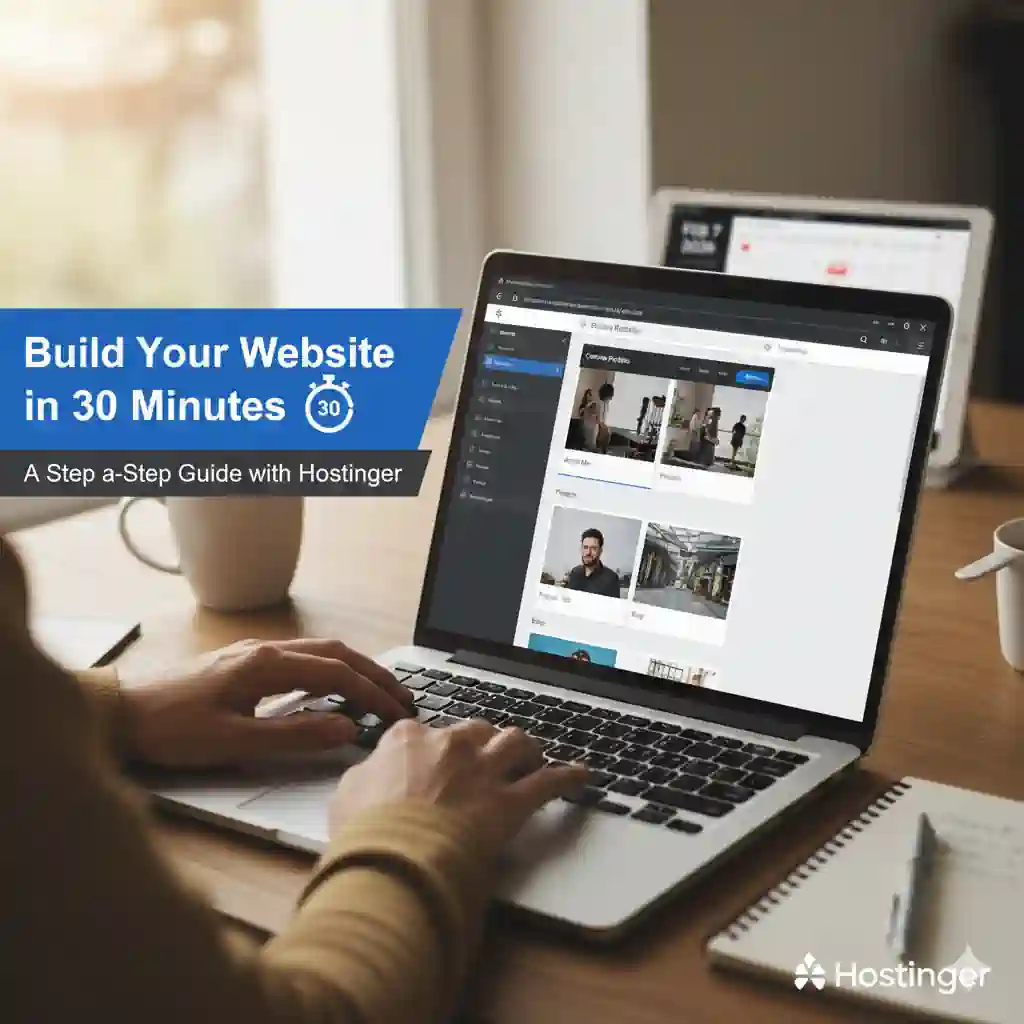
Build Your Website in 30 Minutes: A Step-by-Step Guide with Hostinger
.jpeg "Earn Passive Income with Wall Art")
Have you been putting off creating a website because it seems too complex, time-consuming, or expensive? You’re not alone. Many people believe building a website requires coding knowledge, hundreds of dollars, and weeks of work. But here’s the truth: with today’s tools, you can go from an idea to a live, professional website in less time than it takes to watch a sitcom.

This guide provides a clear, timed roadmap to build your site from scratch in just 30 minutes using Hostinger, an all-in-one platform that bundles domain registration, hosting, and intuitive builders into one simple process. No technical skills are required—just follow these steps.
Minute 0-5: The Foundation – Plan Your Purpose & Gather Assets
Resist the urge to jump straight in. A few minutes of planning will save you time and confusion later.
1. Define Your Core Goal
Ask yourself: What is the single most important thing this website should do?
- Showcase my portfolio/work samples
- Provide contact information for my small business
- Serve as a simple blog or personal journal
- Promote my freelance services
Keep this goal in mind—it will guide every decision you make.
2. Choose a Domain Name
Your domain is your digital address (e.g., yourname.com). For speed, use these tips:
- Keep it short and memorable.
- Use your name, business name, or a clear keyword phrase.
- Stick with
.comor.coif available for broader recognition.
Pro Tip: If you’re stuck, Hostinger’s dashboard includes a free AI Domain Name Generator that suggests available names based on your input.
3. Gather Your Digital Assets (Quickly!)
Have these ready to drag and drop:
- A high-quality logo or professional headshot
- A short bio (2–3 sentences about you/your business)
- Contact details (email, phone, city)
- 1-2 key images related to your work or brand
Now, you’re ready to build.
Minute 5-15: The Setup – Secure Your Domain & Hosting
This is where Hostinger turns the traditionally complex process of linking a domain to hosting into a few clicks.
Step 1: Select Your Hosting Plan
- Visit Hostinger.com.
- For beginners, the Premium Web Hosting plan is ideal. It includes:
- A free domain name for one year.
- Access to the AI Website Builder.
- One-click WordPress installation.
- A user-friendly control panel (hPanel).
Step 2: Register Your Free Domain
During sign-up, you’ll be prompted to search for and register your chosen domain name. Since it’s included with the plan, your cost starts after the first year.
Step 3: Access hPanel and Choose Your Path
After completing your purchase, you’ll land in hPanel (Hostinger’s control panel). Here, you have two excellent options:
- 🚀 For Absolute Speed: Click the prominent button to launch the AI Website Builder. This is the fastest path.
- 🔧 For Maximum Flexibility: Under the “Website” section, use the Auto Installer to install WordPress with one click. Hostinger pre-optimizes it for performance.
Minute 15-25: The Build – Create & Customize Your Site
Path A: The 10-Minute AI Builder Method (Recommended for Beginners)
If you chose the AI Website Builder, here’s your process:
- AI Interview: Tell the AI about your site (e.g., “I need a website for my photography business in Seattle”).
- Generate: In under 60 seconds, the AI will create a complete, multi-page website draft with relevant text, images, and layout.
- Customize with Drag-and-Drop:
- Edit Text: Click any text block and type your own.
- Swap Images: Upload your own photos from the built-in media library.
- Match Your Brand: Use the style panel to change colors and fonts globally.
- Add Sections: Need a contact form or services list? Add pre-designed blocks in seconds.
Path B: The 10-Minute WordPress Method (For Future Scalability)
If you installed WordPress, follow this sequence:
- Pick a Starter Theme: From your WordPress dashboard, go to Appearance > Themes. Hostinger recommends fast, lightweight themes like Astra or Kadence. Install and activate one.
- Use the Live Customizer: Navigate to Appearance > Customize. This is your main design hub.
- Upload your logo.
- Set your site title and tagline.
- Use the theme’s starter templates to quickly create Home, About, and Contact pages.
- Add Essential Content: Edit the placeholder text on each page with the bio and information you prepared earlier.
Minute 25-30: The Polish – Essential Checks & Launch
Your site is built. These final five minutes ensure it’s professional and functional.
- Add a Clear Call-to-Action (CTA): Every effective website guides visitors. Add a prominent button or section with a command: “Book a Consultation,” “View My Portfolio,” or “Get Your Free Quote.”
- Test Critical Functions:
- Contact Form: If you have one, send yourself a test message.
- Links: Quickly click your menu links to ensure they work.
- Check Mobile View: Use the preview toggle in your builder. Over 50% of web traffic is mobile, so this is non-negotiable.
- Install One Key Plugin (WordPress Users): From hPanel or your WordPress dashboard, find and install the “Google Analytics & Marketing” plugin by Hostinger. Connect it to start tracking visitors—a one-click process.
- PUBLISH: In the AI Builder, click the “Publish” button. In WordPress, ensure your pages are published and your site visibility (under Settings > Reading) is set to public.
⏱️ Time’s up. Your website is now live on the internet.
Conclusion: You Did It. What’s Next?
Congratulations. In 30 minutes, you’ve accomplished what many people procrastinate on for months. You have a professional online presence anchored by your own domain name.
Remember:
- Your website is a living project. You can add a blog, a store, or more pages anytime.
- Consistency is key. Share your new site link in your email signature and social media profiles.
- Leverage Hostinger’s resources. Explore their knowledge base for guides on SEO, email marketing, and security to grow your site.
The biggest hurdle in the digital world is often just starting. You’ve now cleared it. Your ideas now have a home online. The next step is to share them with the world.
Ready to Begin Your 30-Minute Challenge?
Visit Hostinger to choose your plan and start the clock. Your future website is waiting.