
The Best Hosting for Beginners in 2026 (Complete Step-by-Step Guide)
Table of Contents
.jpeg "Earn Passive Income with Wall Art")
here The Best Hosting for Beginners Starting your first website can feel overwhelming. Between domains, hosting plans, WordPress, security, and performance, beginners often get stuck before they even launch.

The truth is simple: choosing the right hosting provider is the foundation of your online success. A good host makes everything easier. A bad one makes everything harder.
In this complete beginner-friendly guide, you’ll learn:
- What web hosting actually is (in simple terms)
- What beginners should look for
- Common mistakes to avoid
- Why Hostinger is one of the best hosting choices for beginners in 2026
- How to launch your website step by step
Let’s start from the beginning.
What Is Web Hosting? (Simple Explanation)
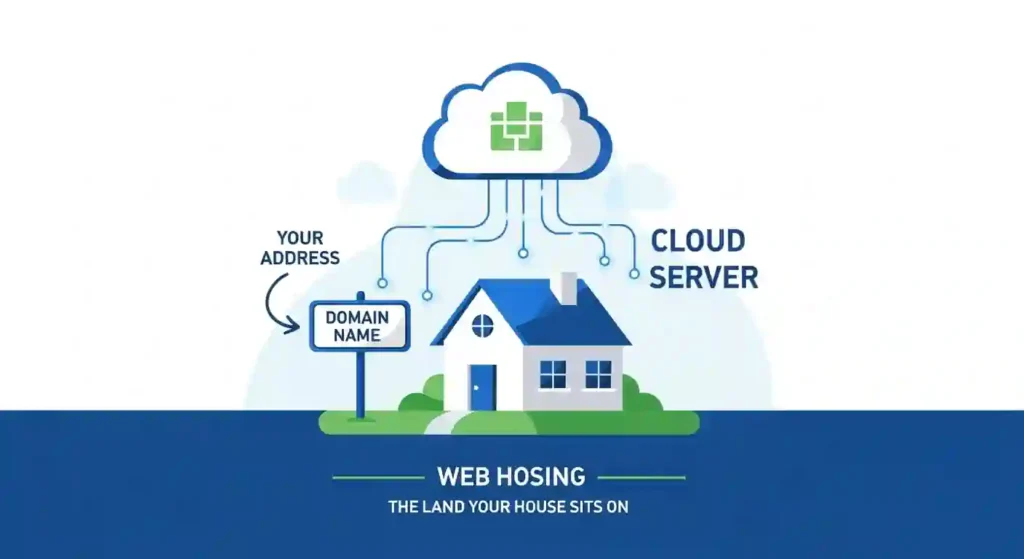
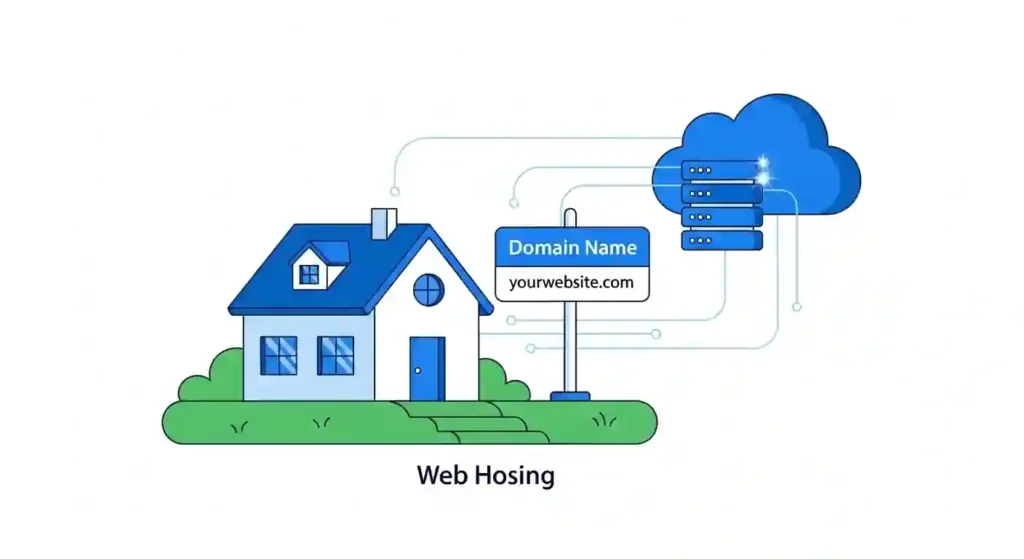
Think of your website as a house.
- Your domain name is the address.
- Your hosting is the land where your house is built.
Without hosting, your website cannot exist online.
A hosting company stores your website files and makes them accessible 24/7 to visitors around the world.
If you choose slow or unreliable hosting, your website:
- Loads slowly
- Crashes during traffic spikes
- Loses visitors
- Ranks poorly on Google
That’s why hosting matters more than most beginners realize.
What Beginners Should Look for in Web Hosting
Not all hosting providers are beginner-friendly. Here are the most important factors you should prioritize:
1. Affordable Pricing
As a beginner, you don’t need expensive enterprise plans. You need something:
- Budget-friendly
- Scalable later
- With no hidden fees
2. Easy Setup (1-Click WordPress Install)
You should not need coding skills.
Look for:
- One-click WordPress installation
- Simple dashboard
- Clear instructions
3. Fast Loading Speed
Website speed affects:
- User experience
- SEO rankings
- Conversion rates
Even a 1-second delay can reduce conversions.
4. Free SSL Certificate
Security is non-negotiable.
An SSL certificate:
- Protects user data
- Shows the secure “https”
- Helps SEO
5. Reliable Customer Support
As a beginner, you will have questions.
You need:
- 24/7 live chat
- Fast responses
- Clear explanations
6. Scalability
Your hosting should grow with your website.
Start small, upgrade later.
Types of Hosting (Explained Simply)
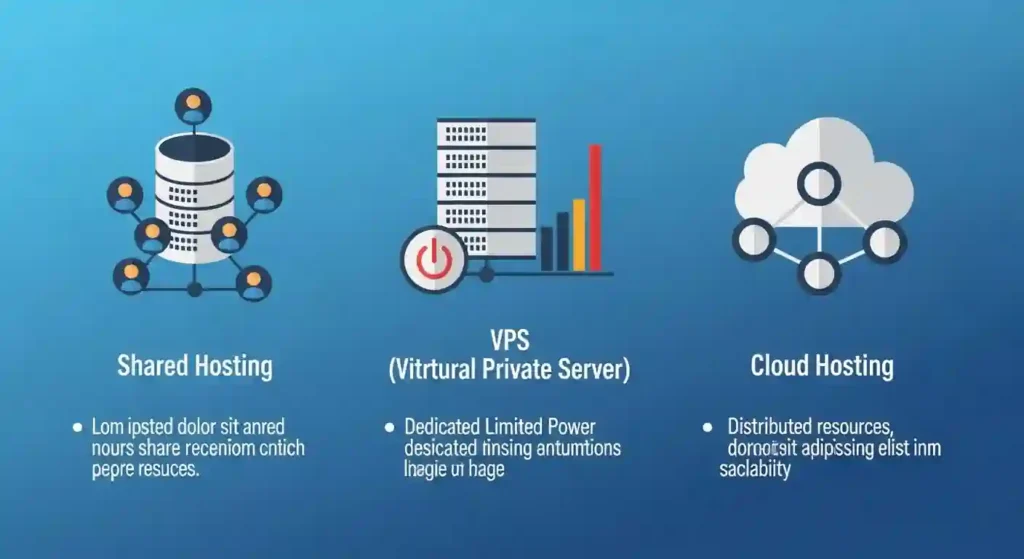
Before choosing, you should understand the basics:
Shared Hosting (Best for Beginners)
- Most affordable
- Easy to manage
- Perfect for blogs, small businesses, affiliate sites
VPS Hosting
- More power
- More control
- Better for growing websites
Cloud Hosting
- Flexible and scalable
- Ideal for higher traffic
👉 For beginners, shared hosting is usually the best starting point.

Why Hostinger Is One of the Best Hosting Options for Beginners
Now let’s talk about one of the strongest beginner-friendly hosting providers in 2026:
Hostinger
Hostinger has become extremely popular among bloggers, affiliate marketers, startup founders, and digital entrepreneurs — especially beginners.
Here’s why.
1. Extremely Affordable Entry Price
One of the biggest advantages of Hostinger is its pricing.
Compared to many competitors:
- Lower starting price
- Strong feature set
- Excellent value for money
For beginners launching their first website, this matters a lot.
You don’t need to invest hundreds of dollars to get started.
2. Beginner-Friendly Dashboard (hPanel)
Many hosting companies use complicated control panels.
Hostinger uses its own clean, simple interface called hPanel.
Benefits:
- Easy navigation
- Clean design
- Beginner-friendly layout
- No technical confusion
You can:
- Install WordPress
- Manage domains
- Set up emails
- Activate SSL
All in a few clicks.
3. One-Click WordPress Installation
If you want to build:
- A blog
- An affiliate website
- A business website
- An online store
WordPress is the best choice.
Hostinger allows you to install WordPress in one click.
No coding.
No complicated configuration.
Just choose WordPress → click install → done.
4. Fast Performance & Good Uptime
Speed is critical in 2026.
Hostinger offers:
- LiteSpeed servers
- Optimized infrastructure
- Strong global performance
- Excellent uptime reliability
For beginners, this means:
- Faster loading pages
- Better SEO potential
- Lower bounce rates
5. Free Security Features
Security is built into Hostinger plans, including:
- Free SSL certificate
- DDoS protection
- Firewall security
- Regular backups (on many plans)
This protects your website and your visitors.
6. 24/7 Customer Support
As a beginner, you will eventually need help.
Hostinger offers:
- 24/7 live chat
- Helpful knowledge base
- Quick problem resolution
You don’t feel alone when something goes wrong.
Who Should Use Hostinger?
Hostinger is ideal for:
- Bloggers
- Affiliate marketers
- Students building their first website
- Small business owners
- Startup founders launching an MVP
- Digital product sellers
- Freelancers building portfolios
If you are just starting online, it’s a very safe choice.
Pros and Cons of Hostinger
✅ Pros
- Very affordable
- Easy to use
- Good speed
- Free SSL
- Beginner-friendly
- Scalable
❌ Cons
- Renewal price higher after first term
- Entry plan has some limitations
However, for beginners, the advantages strongly outweigh the drawbacks.
Step-by-Step: How to Start Your Website with Hostinger
Here is a simple roadmap:
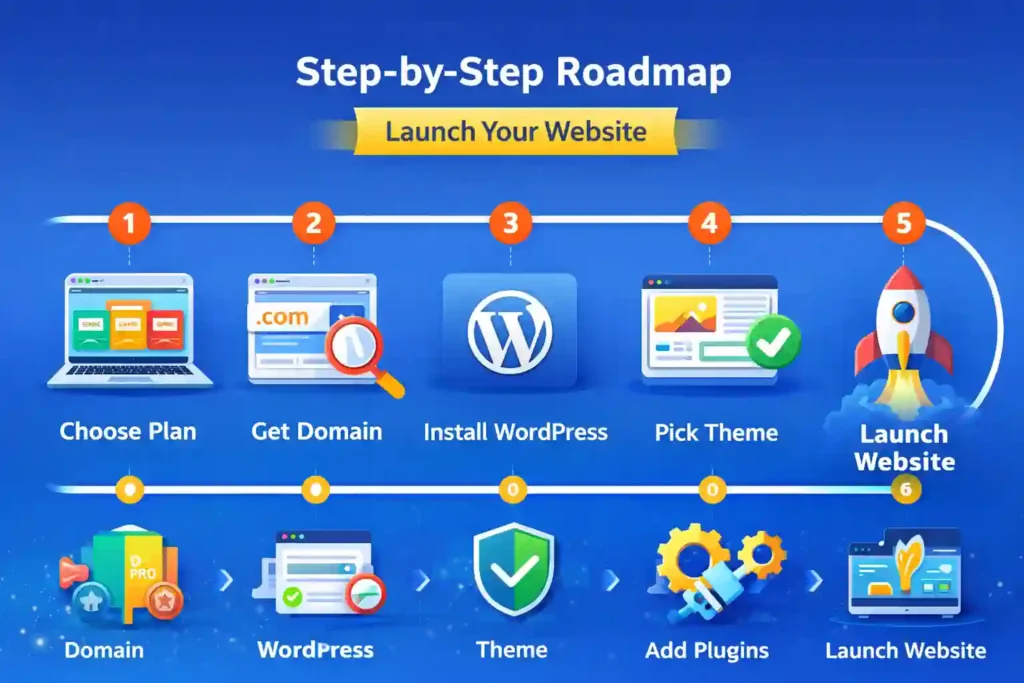
Step 1: Choose Your Hosting Plan
Select a beginner-friendly shared hosting plan.
Step 2: Register Your Domain
Pick a short, memorable name.
Step 3: Install WordPress
Use one-click installation.
Step 4: Choose a Theme
Pick a clean, lightweight theme.
Step 5: Install Essential Plugins
- SEO plugin
- Security plugin
- Caching plugin
Step 6: Start Creating Content
Publish helpful content consistently.
Ready to Launch?
If you want an affordable, beginner-friendly hosting provider to start your online journey, I recommend starting with:

👉 Start your website here:
https://xmoneyacademy.com/hosting
This link will take you directly to Hostinger so you can launch your site today.
Starting early is more important than starting perfectly.
Final Thoughts: What Is the Best Hosting for Beginners in 2026?
For most beginners, the best hosting provider should be:
- Affordable
- Easy to use
- Reliable
- Secure
- Scalable
Hostinger checks all those boxes.
Is it the most powerful enterprise hosting in the world? No.
Is it one of the smartest choices for beginners starting their first website? Absolutely.
Your website is your digital asset.
Your hosting is its foundation.
Choose wisely.
Start today.
Grow consistently.
And remember:
👉 Launch your website now at
https://xmoneyacademy.com/hosting
Your online journey starts with one decision.