
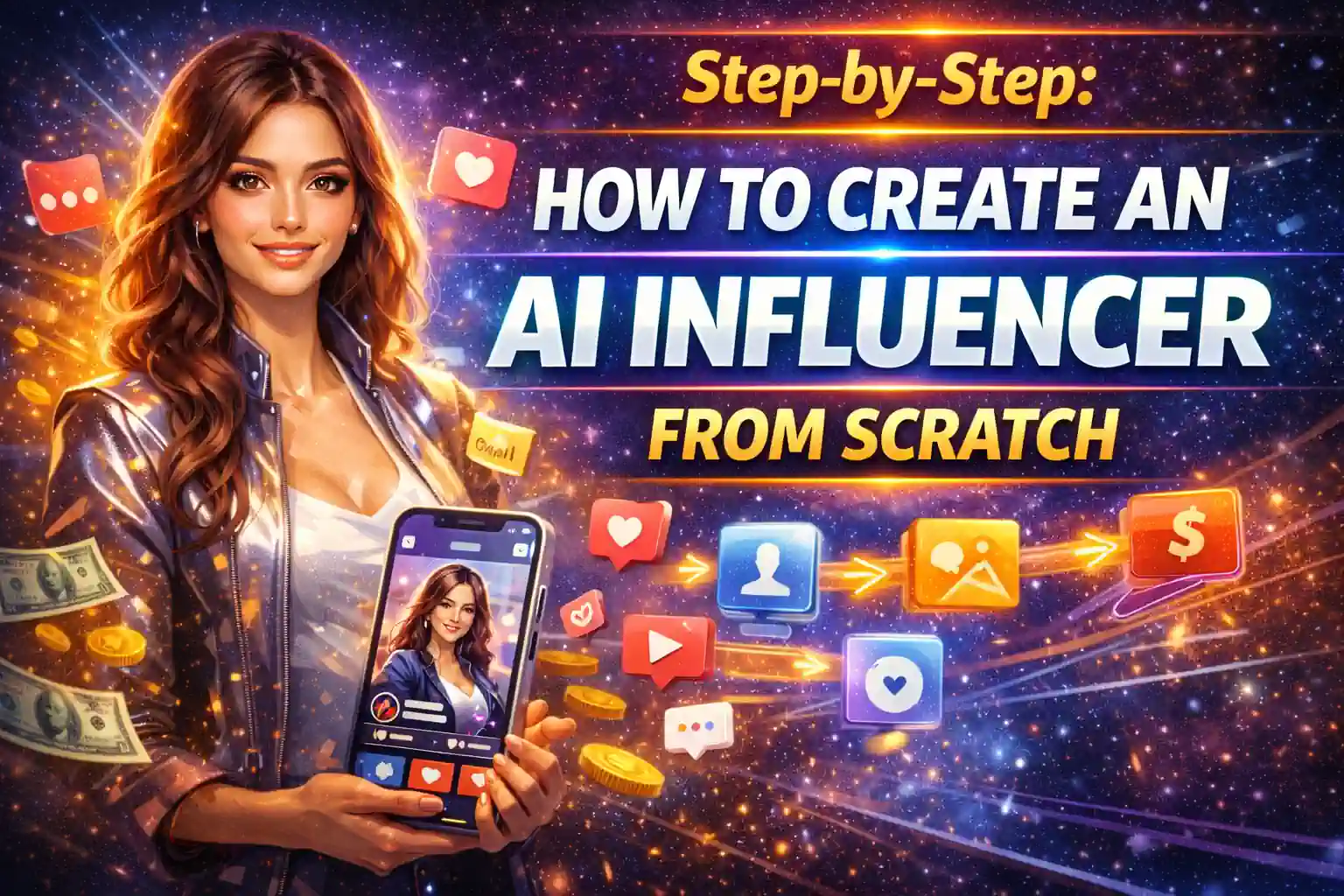
Step-by-Step: How to Create an AI Influencer From Scratch
.jpeg "Earn Passive Income with Wall Art")
Creating a digital personality that looks and feels real used to require a team of 3D artists and a Hollywood budget. Today, you can do it from your laptop in a weekend.

This guide breaks down the exact process used to build successful AI influencers, from defining a personality to publishing the first post. We’ll walk through the four main phases: Define, Generate, Animate, and Post.
By the end, you’ll have a clear roadmap. And if you want to skip the trial and error, we have a system that does the heavy lifting for you.
Phase 1: Define Your Digital Persona (The “Why” Before the “How”)
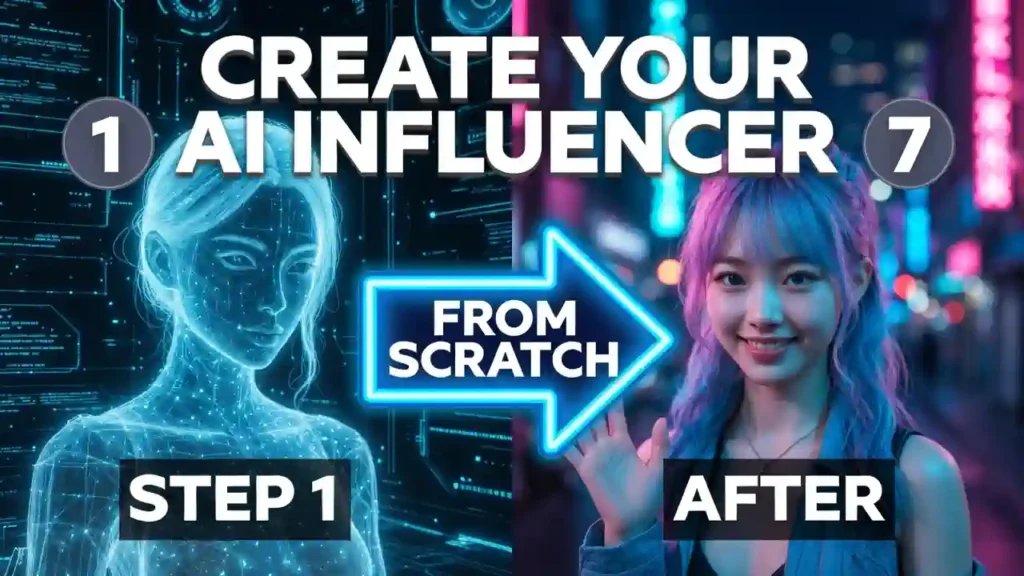
Before you generate a single image, you need a blueprint. Personality is what separates a viral sensation from a forgotten render.
Define the Niche and Backstory
Decide what your influencer stands for. Are they a fitness guru, a tech reviewer, a fashionista, or a travel vlogger?
- Action: Write a short “character bible.” Give them a name, age, hometown, job, hobbies, and even pet peeves. It’s similar to building a character for a novel—you need to define everything from her personality to the world she lives in.
Lock in the “Non-Negotiable” Visual Traits
Identify 3-5 visual traits that must remain consistent forever (e.g., “heart-shaped face,” “freckles on nose,” “short purple bob,” “always wears a silver choker”). Consistency builds trust. If your influencer’s face changes between posts, the audience will disengage.
Stuck on the creative side? Our course provides a ready-made “Character Bible” template and helps you pick a profitable niche right from the start. Learn more at xmoneyacademy.com/aiinfluencer
Phase 2: Generate the Appearance (Visual Creation)
This is where your character gets a face. We’ll cover the two main methods: quick generation for beginners, and professional consistency training for those who want total control.
Option A: Quick Start with Text-to-Image
Use a tool like Midjourney, DALL-E 3, or Leonardo.ai. Write a detailed prompt including the “locked traits” from Phase 1.
- Sample Prompt: “Ultra-realistic portrait of a 25-year-old woman, heart-shaped face, light freckles across nose, short purple bob haircut, wearing a silver choker, soft natural lighting, smile, shallow depth of field, 8k resolution.”
- Action: Generate 10-20 variations. Pick the one image that best represents your character. This becomes your “anchor image.”
Option B: Professional-Grade Consistency (Training a LoRA)
For those wanting total control, you can train a small AI model (LoRA) on your character. This ensures she looks the same in every single pose, whether she’s in Paris or at the gym.
- Action: Gather 15-20 high-quality, varied images of your chosen face (different angles, expressions). Upload them to a trainer like Civitai. The AI learns the “essence” of the face.
This is the trickiest part for beginners. Getting the settings wrong can waste hours. Instead of struggling, you can use our pre-built “Golden Base” of prompts and settings to get perfect results instantly. We cover this in detail in our step-by-step course at xmoneyacademy.com/aiinfluencer.
Phase 3: Bring Them to Life (Content Creation)
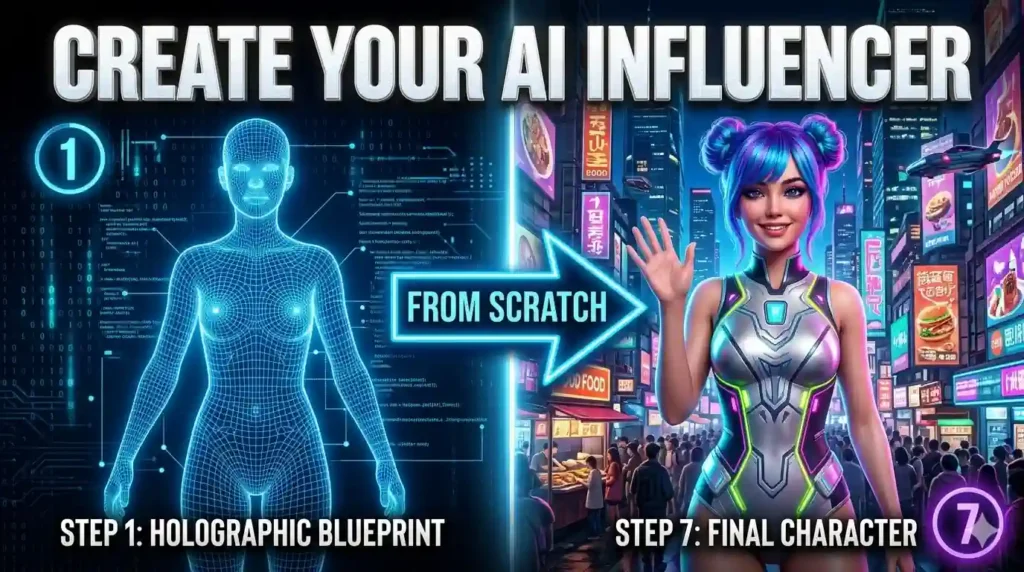
Now that you have a consistent character, it’s time to create the photos and videos they will “post.”
Generating Image Content (The “Photo Shoot”)
Use your anchor image or trained LoRA to generate new scenes. Use this simple prompt structure:
- [Subject/Identity] + [Action/Pose] + [Setting] + [Lighting/Style]
- Example Prompt: “Same girl – heart-shaped face, freckles, purple bob, silver choker – now sitting in a trendy Tokyo coffee shop, holding a latte, looking out the window, rainy window effect, cinematic lighting.”
- Tip: Generate in batches. Create a full “month’s worth” of content (10-20 images) in one sitting to ensure consistency.
Generating Video Content (The “TikTok/Reels”)
Static images are great, but video is where you build a real following. Use video generators like Kling AI, HeyGen, or RunwayML to animate your still images.
- Method 1 (Animation): Upload a still image to Kling AI and use a “Motion Brush” to make them nod, smile, or dance.
- Method 2 (Talking Head): Use HeyGen’s “Talking Avatar.” Upload your character’s photo, type a script, and the AI will sync lip movements to make them speak.
Phase 4: Posting and Growth Strategy
The technical work is done; now it’s time for the marketing. This is where your creation meets the world.
Setting Up the Profiles
Create social accounts (Instagram, TikTok) using the influencer’s name. Use the best generated image as the profile picture. Write a bio in the voice of the influencer, referencing their backstory.
The First 5 Posts
Don’t just post pictures; tell a story.
- Post 1: Introduce themselves.
- Post 2: A day in the life.
- Post 3: An opinion on a trend.
- Post 4: An outfit change.
- Post 5: A short video clip.
Use relevant hashtags like #VirtualInfluencer #AIArtist #DigitalCreator.
Engagement and Disclosure
It is best practice (and sometimes legally required) to disclose that the account is AI-generated. Use labels like “AI Creator” or “Virtual Being” in the bio. Respond to comments to build community.
Common Pitfalls to Avoid
- Inconsistent Faces: The #1 killer of AI influencers. If the nose or eyes change, you lose trust.
- Uncanny Valley Hands: Early AI struggled with hands. Use inpainting tools or choose poses that hide complex finger positions.
- Boring Personality: Pretty faces are everywhere. Personality is the currency that keeps audiences hooked.
Ready to Skip the Guesswork and Launch in 7 Days?
This guide gives you the roadmap, but the tools and prompts can be overwhelming to master alone. Imagine having a checklist that tells you exactly which buttons to click, which prompts to use, and how to set up your monetization from Day 1.
In our complete course, we’ve packaged everything you need into one system. Here is what you will achieve in just 7 days:
✅ Create a realistic AI character in one evening. No design or programming skills required. You will receive a ready-made digital model that is indistinguishable from a real girl, even when zoomed in.
✅ Launch 3 sources of income at the same time. Set up the system to profit from paid subscriptions (OnlyFans/FanVue), brand advertising, and UGC content sales.
✅ Get a “Golden Base” of prompts and templates. You don’t need to reinvent the wheel. Just copy our proven settings for perfect skin, lively eyes, and expensive locations. Save 90% of your time.
✅ Generate content 10 times faster. Instead of hours of shooting and editing, spend 15 minutes working on your laptop. You’ll be able to create a month’s worth of content in a single weekend.
✅ Save $2,000+ at the start. You don’t need to pay models, photographers, makeup artists, or rent studios. Your AI influencer works for free, never gets sick, and is always in shape.
✅ Understand how to scale up to $10,000/month. You are not limited to one model. Using our scheme, you can create a “farm” of 5-10 characters in different niches and multiply your income.
You can even generate realistic AI videos with lively faces and emotions. This is not just a video or a picture. It is a digital personality that publishes content, collects views, and generates income for you.
Stop experimenting and start earning. The exact blueprint is waiting for you.
👉 Enroll in the Complete “Create Your AI Influencer” Course at xmoneyacademy.com/aiinfluencer